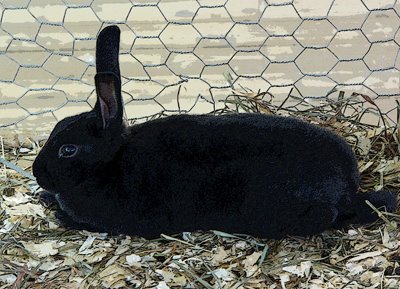
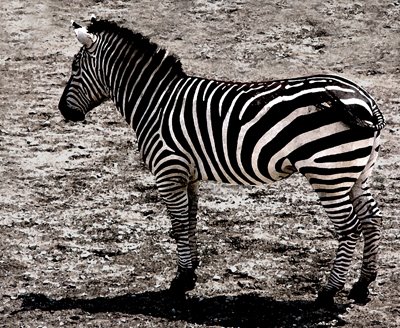
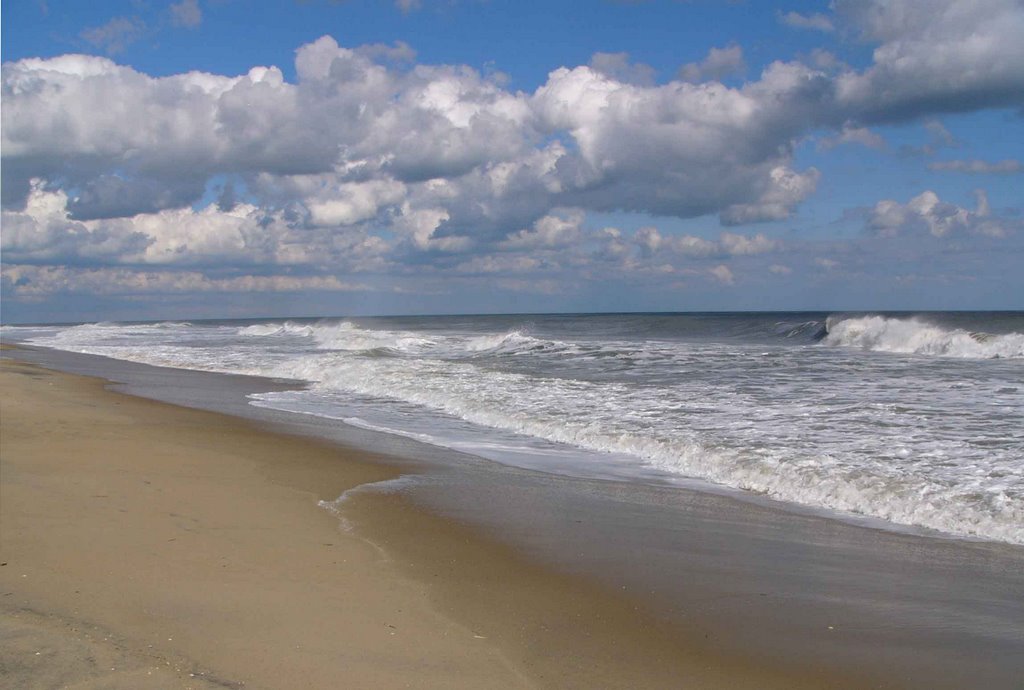
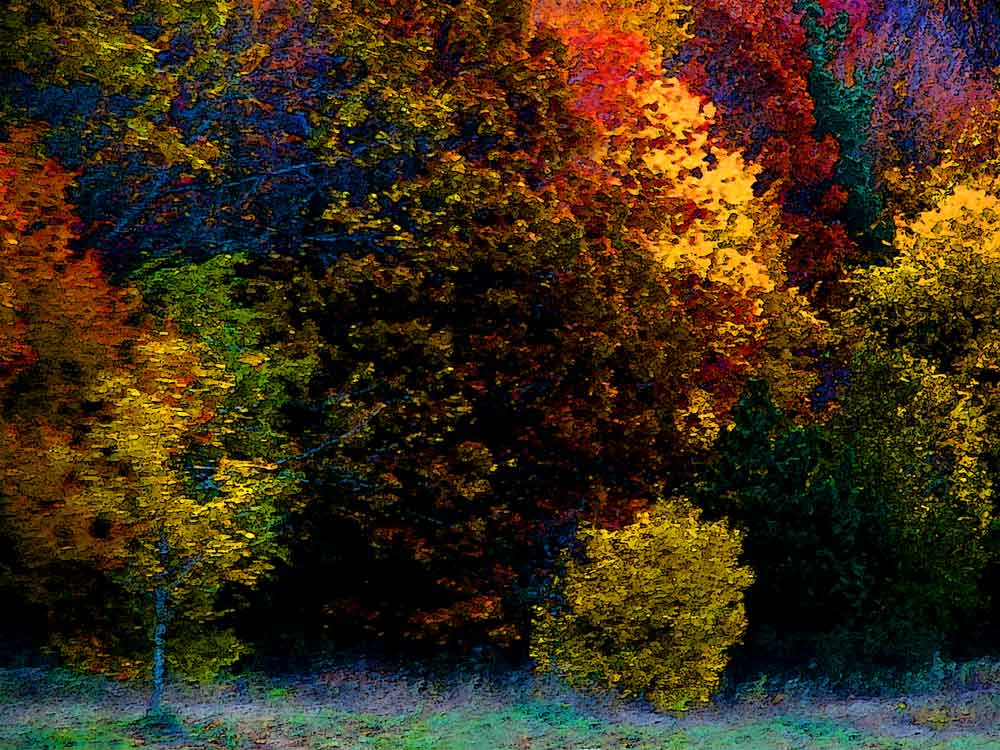
I interpreted this week's
Studio Friday theme to be -- "Let's see your working environment."
Since essentially all of my recent work has been digital, it's a little hard showing my actual working environment (I
blogged the camera last summer, with a picture of it
here).
The pc with Photoshop Elements is not photogenic..........
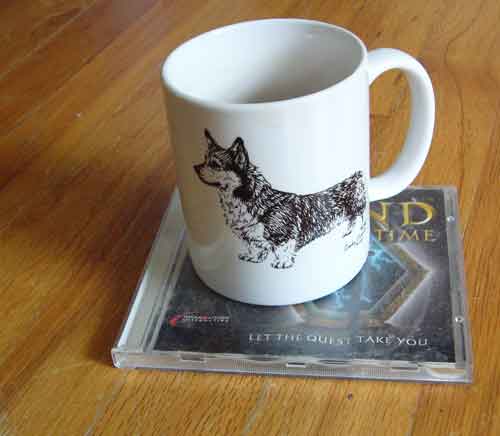
Here is my obligatory tea. Note tasteful and attractive coaster underneath..... Note also that it was photographed on the floor, rather than on the desk, and draw conclusions about the, um, extremely messy surface of the desk....
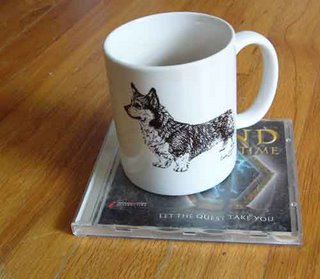
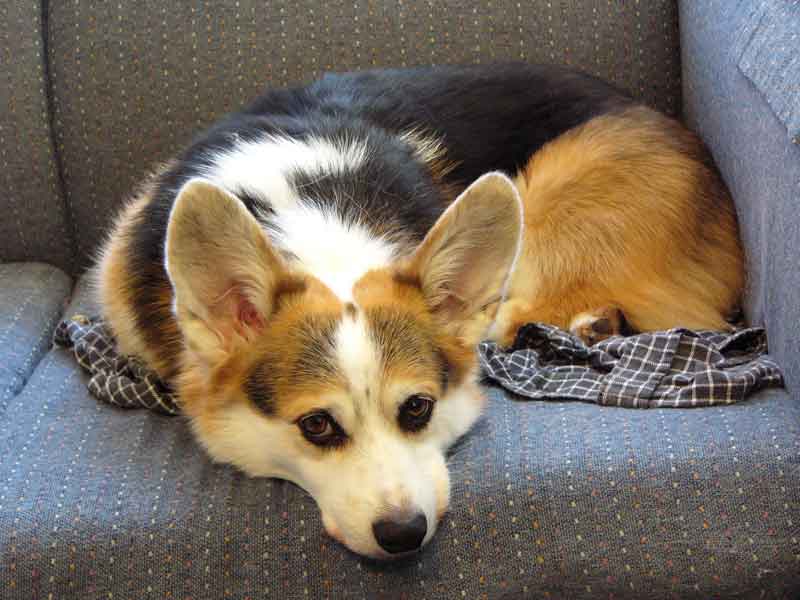
Here is my faithful companion, dreaming that we will go do something useful, like have a rousing session of fetch, or take a W A L K.....

The critical part of my working environment is virtual, so I'll show you what I do with those tools.....
Here is an original.
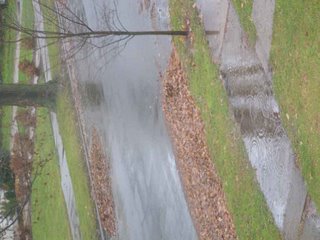
Flip, and crop.
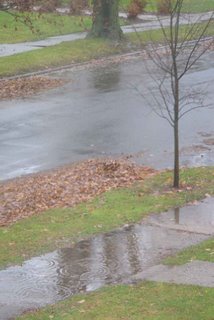
Use "levels" to increase the darkness of the dark bits. I'm finding this works much better than increasing the contrast, as it leaves the lights alone. It seems that a lot of my pics are light enough, in their light places, but sort of blah in the dark places. "Levels" lets me adjust this.
Much better, don't you think?
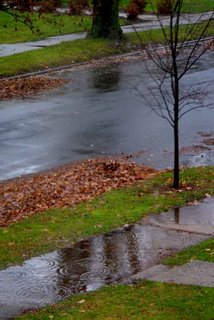
Now, let's increase the saturation. Not a radical difference, but I think you can see that the greens and yellows are more intense.
I could make a case that the pic above is finished, but if I'm going to apply a filter, I like to zip the colors up a bit first, as the filters tend to darken things down.
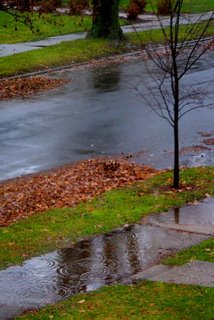
Here it is with the "watercolor" filter.
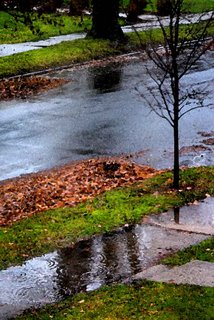
And with the "poster edges" filter.
I like "poster edges" *a lot*, but for wet stuff, I generally like "watercolor" better.
Now is where some more hard-to-photograph tools come into use -- my eyes and my brain.... Which image do I like best?
Which image do you like best?
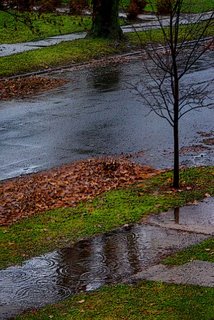
I took this shot out my study window yesterday morning. I'm very happy with the capture of the ripples-from-drips in the puddle. (I put the camera on "manual focus" as I am far less confused by rain than it is.)